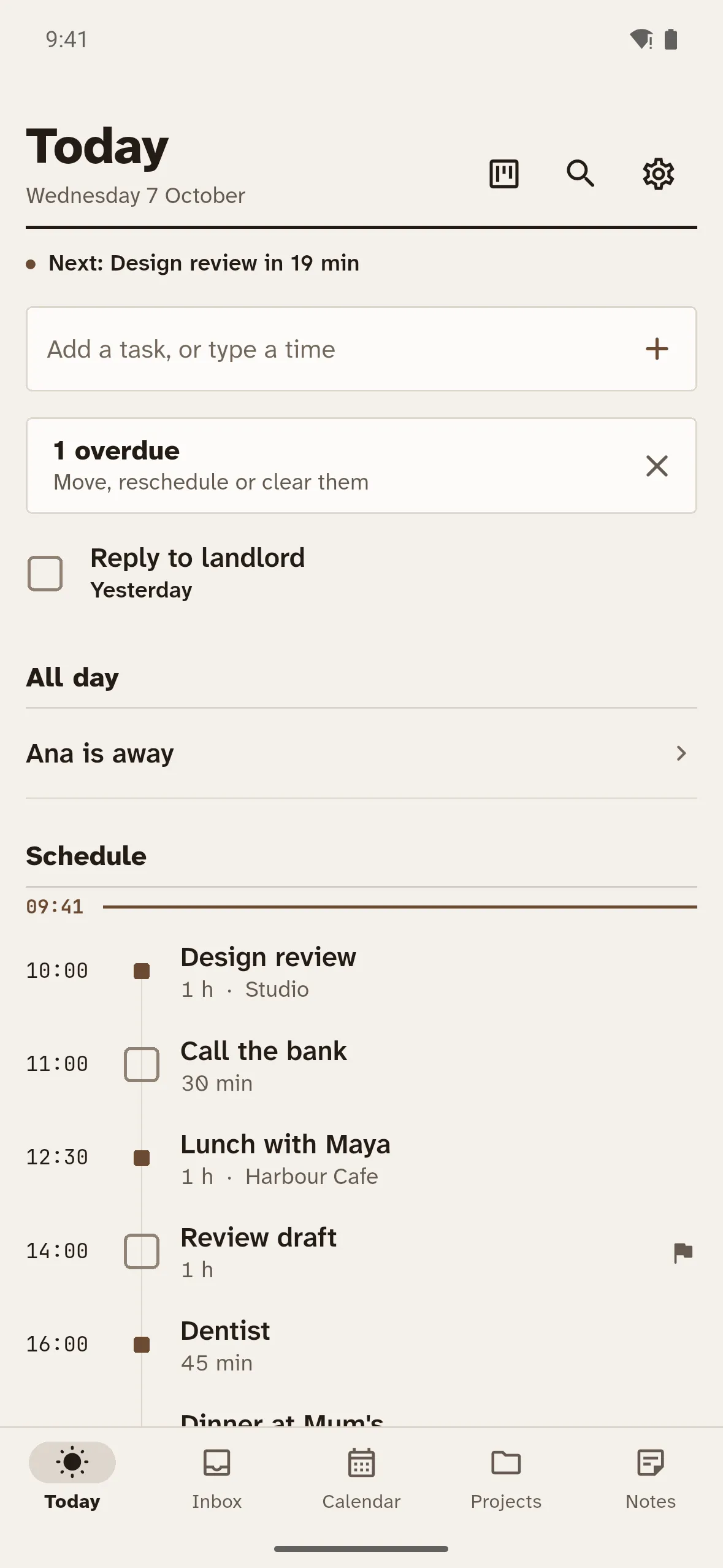
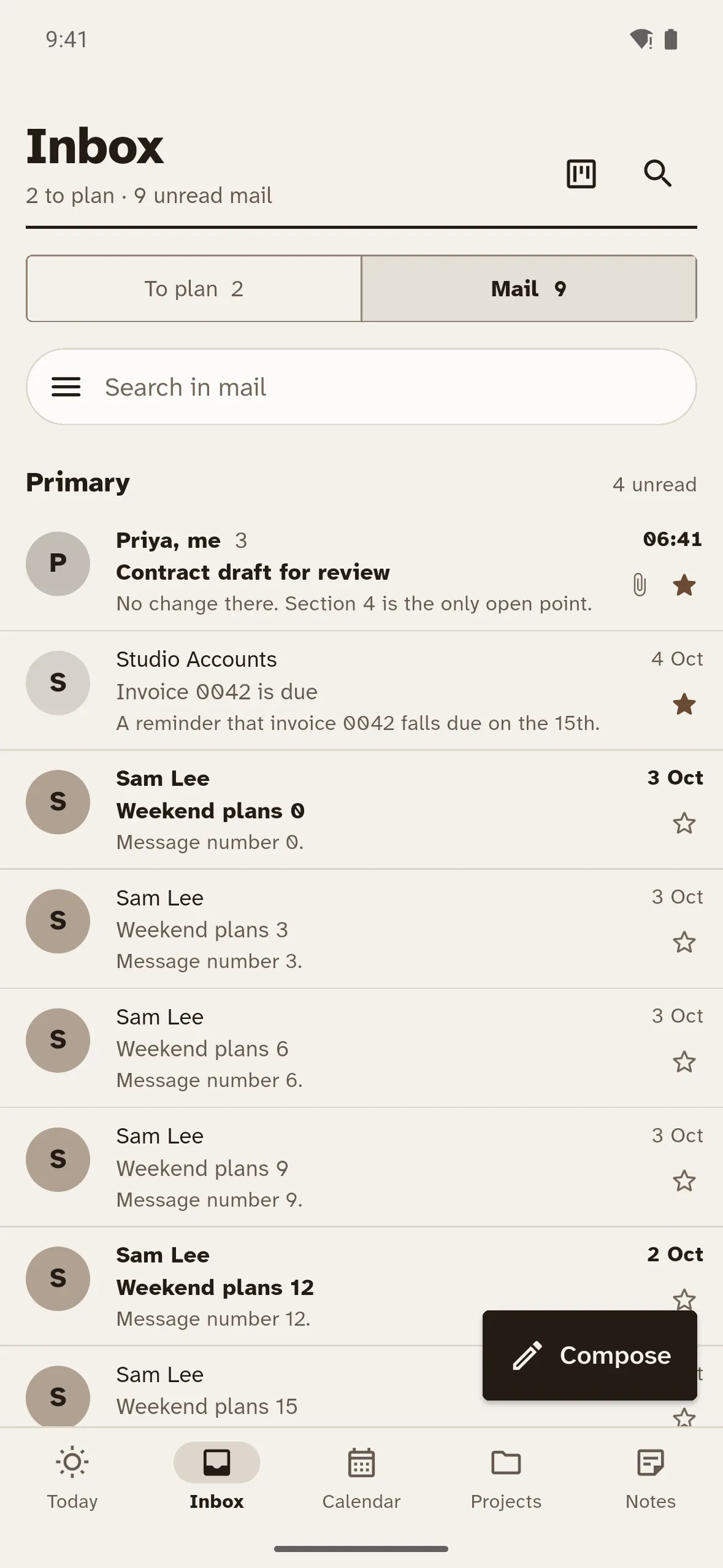
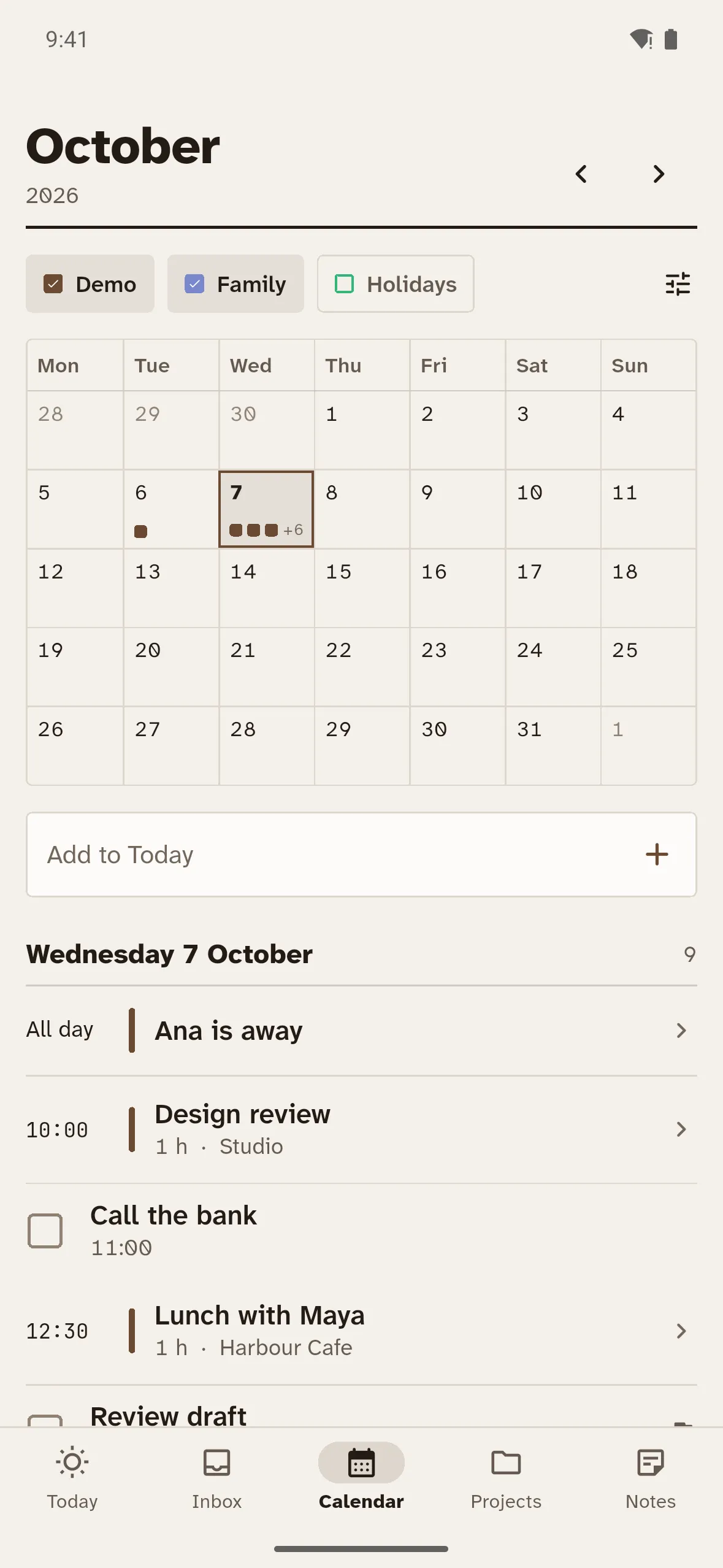
A working day is often split across Google Calendar, Gmail, a Drive folder and a to-do list that knows about none of them. To see what's next, you check four places. Cairn signs in with Google once and shows the day on one timeline: meetings from the calendar, tasks in the gaps, and the email or file each task is about one tap away. It's my own planner and it's still in progress, but the Google side works today.
Tap a task to fit it into the day
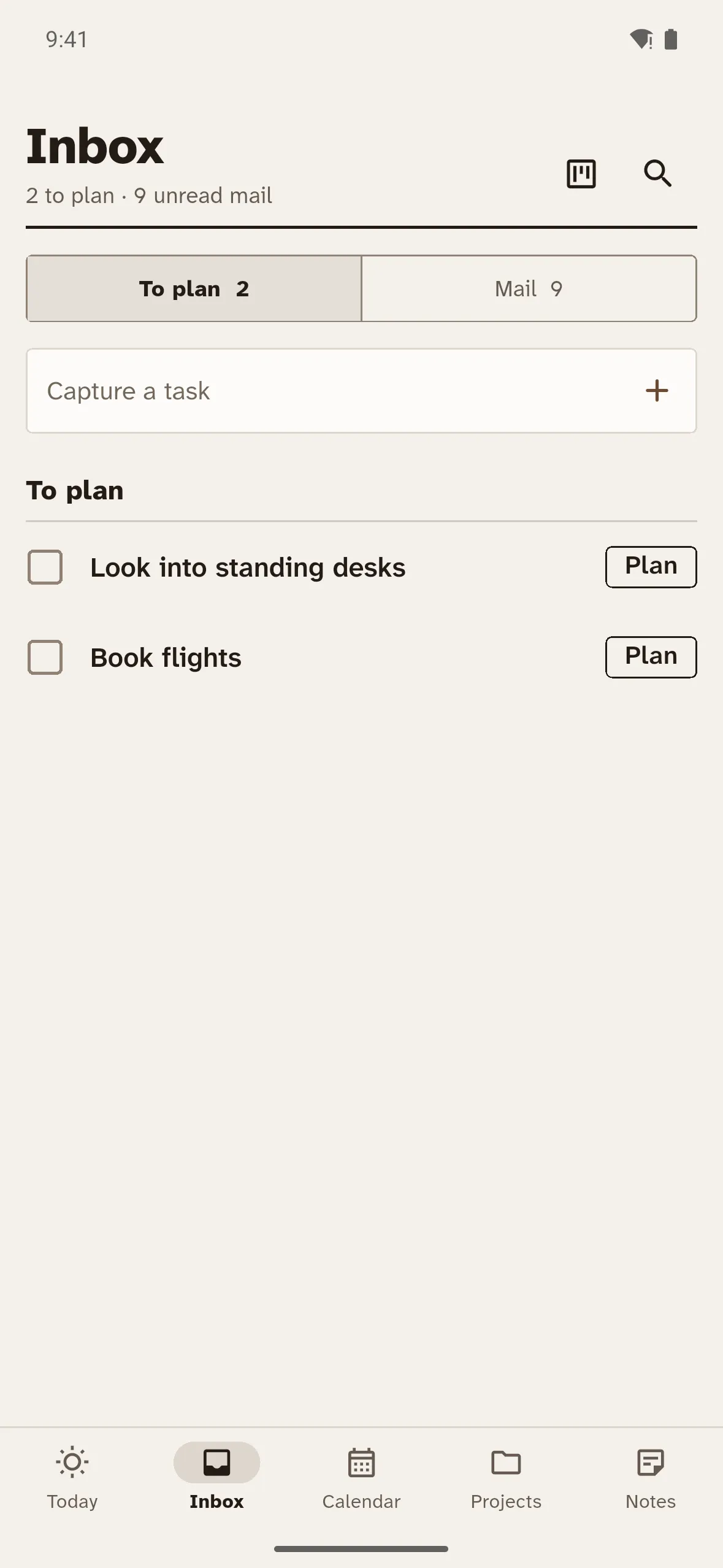
Not yet in the day
Meetings come from the calendar. Tasks find the gaps between them.
9:0010:0011:0012:0013:0014:0015:0016:0017:00
10:00 Design review Calendar
12:30 Lunch with Maya Calendar
16:00 Dentist Calendar